If you work from home, you already know that a house is more than a place to sleep. It is your office, your video-call backdrop, your quiet zone, and sometimes your backup plan when the weather or internet shifts. In Kalaoa, that matters even more because elevation, sun exposure, breeze, and broadband can vary a lot from one address to the next. This guide will help you focus on the details that matter most so you can buy with more confidence. Let’s dive in.
Why Kalaoa stands out for remote work
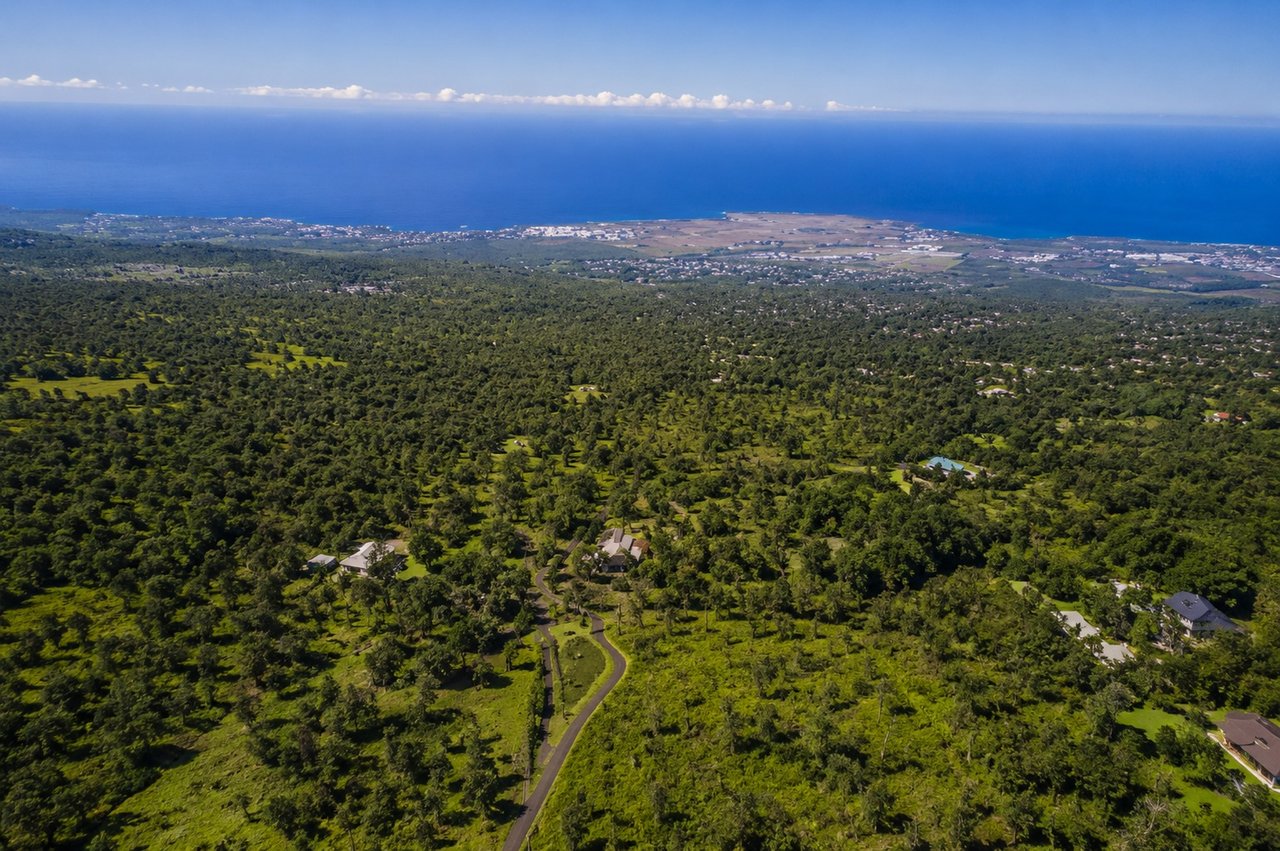
Kalaoa can be an appealing option for remote workers because it offers a different feel from lower coastal Kona. Some homes sit higher on the slope, which can mean cooler daily conditions and a bit more separation from the busiest coastal strip. That can make a real difference when you spend long hours at a desk.
At the same time, Kalaoa is not a one-size-fits-all market. Research shows that the area has steep elevation changes, varied sun and wind exposure, and address-specific differences in broadband and noise. That means you should evaluate the exact property, not just assume the neighborhood name tells the whole story.
Elevation affects everyday comfort
One of the biggest remote-work factors in Kalaoa is elevation. KOA airport sits at about 47 feet above sea level, while a County of Hawai‘i Kalaoa water-system project documented a reservoir site at 1,820 feet. According to NOAA, temperature drops by about 3°F per 1,000 feet of elevation.
In practical terms, upper Kalaoa can feel roughly 5°F cooler than the coast before you even factor in shade or wind. If you work from home all day, that can affect how often you run air conditioning, how warm your office gets in the afternoon, and how comfortable your screen time feels.
Lower Kona provides a helpful baseline. NOAA climate normals for Kailua-Kona Ke-Ahole Airport show a 1991 to 2020 mean annual temperature of 78.2°F and annual precipitation of 9.87 inches. Compared with that warmer, drier coastal pattern, mauka parts of Kalaoa may feel cooler and more variable because of elevation and terrain.
Weather can change fast by location
Kalaoa sits on the leeward side of Hawai‘i Island, where NOAA says weather is shaped by mild temperatures, trade winds, and big rainfall differences over short distances. NOAA’s Kona district study also notes a unique summer rainfall pattern, with daytime upslope winds that can create afternoon showers at middle elevations and nighttime downslope winds that reverse the flow.
For you, that means one home may feel bright and breezy while another a short drive away feels cloudier or damper at certain times of day. If you are counting on natural light or open windows during work hours, these small location differences matter.
Look beyond square footage
A remote-work-friendly home is not only about size. In Kalaoa, orientation and shading can be just as important as the number of bedrooms. The U.S. Department of Energy notes that climate, orientation, and exterior shading all affect how windows handle heat gain and daylight.
That matters because Hawai‘i has fairly consistent day length throughout the year. The bigger question is not whether you will have daylight, but whether the home controls it well enough for real work use.
Prioritize a real office space
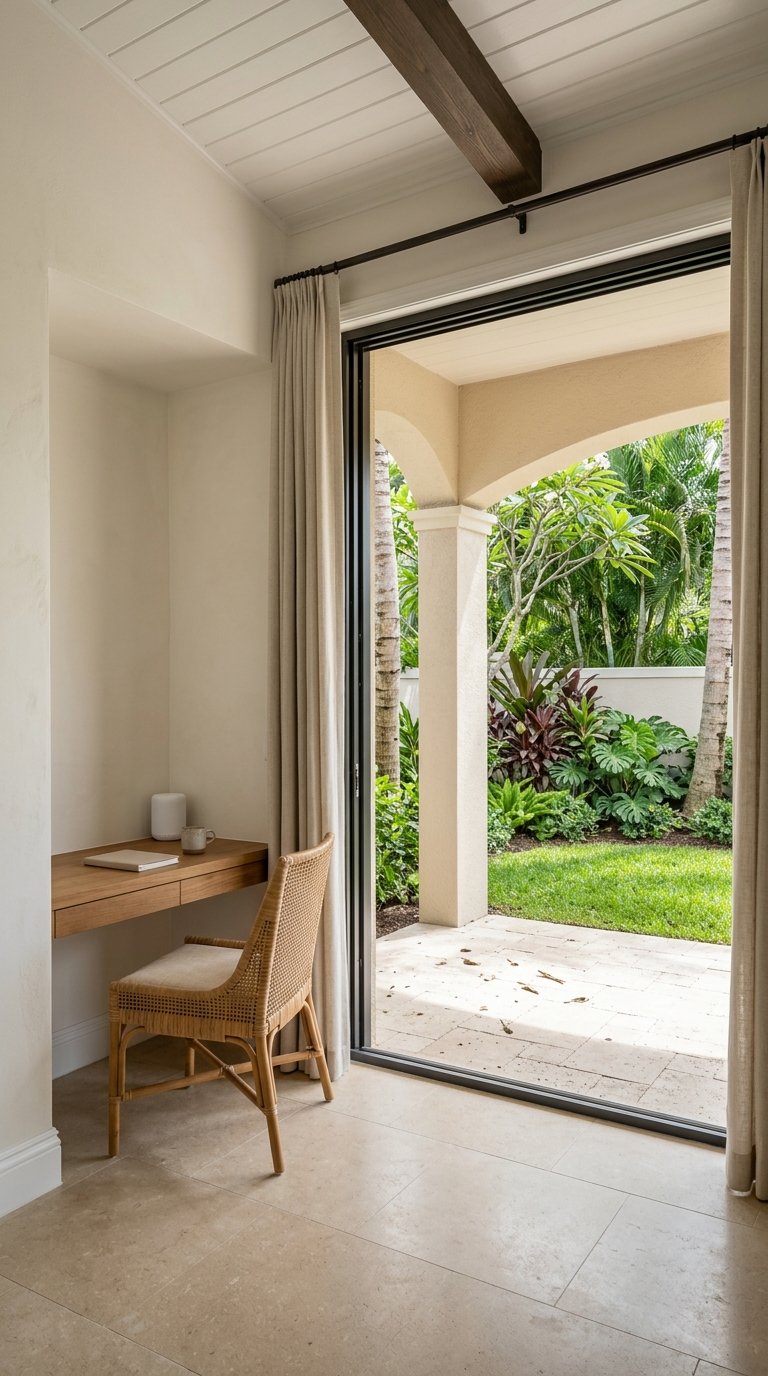
If your household takes frequent calls, an enclosed office or true flex room is usually more practical than an open loft. A dedicated room can help with noise control, privacy, and a more stable work setup from day one.
When you tour, stand in the room you would actually use as the office. Do not judge the house only by the living room, kitchen, or lanai. A home can feel great overall but still have one room that gets too much glare or too much noise for daily work.
Check sun and glare at work hours
Window placement matters most during the hours you will actually use the space. A room that looks bright and pleasant at 9 a.m. may be harsh and difficult by midafternoon if direct sun hits your screen.
Look closely at exterior shading, roof overhangs, blinds, and the type of glass. These features can help reduce glare and heat gain, which makes a big difference if you spend hours on a laptop or video calls.
Test windows open and closed
Operable windows can be a plus in Kalaoa because cross-breezes may improve comfort. But the weather can shift between sunny, breezy, and showery conditions in the same day, so it is important to test the room both ways.
Open the windows and see how the space feels. Then close them and check whether the room still feels comfortable and quiet enough for focused work.
Internet should be verified by address
For remote workers, broadband is not a detail to check later. It is one of the first things to verify. In Kalaoa, provider availability can differ from one address to another, so broad assumptions are risky.
The FCC National Broadband Map is the best starting point because it is address specific. The FCC says you can enter the street address to see which providers report service there, what technology is listed, and the maximum advertised download and upload speeds.
Use a two-step verification process
The smartest workflow is simple:
- Check the exact address on the FCC National Broadband Map
- Confirm service directly with each provider before relying on a plan
That second step matters. Hawaiian Telcom states that fiber service is not available in all areas and depends on the service address. Spectrum’s Kailua-Kona service information also relies on address-based availability checks.
Do not rely on mobile maps alone
If you plan to use a hotspot or cellular backup, be careful about assumptions. The FCC says its mobile broadband layer reflects outdoor or in-vehicle coverage and does not promise indoor performance.
That is why on-site testing is so important. In homes with thicker walls, uphill terrain, or heavier vegetation, indoor cellular performance may not match what a coverage layer suggests.
Noise is also lot specific
Many buyers are drawn to Kalaoa because some homes feel more removed from lower coastal activity. That can be true, but noise is still highly location dependent. Research notes that KOA is about seven miles northwest of Kailua-Kona town and is reached from Queen Kaahumanu Highway, while Mamalahoa Highway and Queen Kaahumanu Highway are major Kona corridors.
The mauka part of Kalaoa is also associated with areas near Mamalahoa Highway, Old Government Road, and Kona Palisades Estates. In other words, some homes are closer to road or utility corridors than others, even within the same general area.
Visit at different times of day
The best way to judge noise is to visit more than once. A home that feels peaceful in the middle of the day may sound different during heavier traffic periods or when wind patterns shift.
When you tour, spend time in the room that would become your office. Listen with the windows open and again with them closed. That gives you a better sense of real working conditions than a quick walk-through ever could.
A practical touring checklist
When you tour Kalaoa homes for remote work, keep this checklist with you:
- Verify the exact address on the FCC map
- Confirm internet availability directly with each provider
- Check which room gets the strongest sun from late morning through afternoon
- Test the office space with lights off to judge daylight and glare
- Open and close windows to compare breeze, comfort, and noise
- Test cellular data outside and inside if you want hotspot backup
- Visit during a quieter period and again when traffic is heavier
- Ask yourself where the modem, router, and backup power setup would actually go
These steps can help you avoid the most common mistake buyers make in Kalaoa, which is assuming every property will perform the same way for work-from-home life.
What this means for your home search
The best Kalaoa home for remote work is not necessarily the biggest or the one with the flashiest first impression. It is the one that fits your workday in real, practical ways. That could mean a cooler elevation, a better-shaded office, quieter room placement, or internet service that has been properly confirmed.
Kalaoa can be a strong fit when the specific property offers the right balance of comfort, connectivity, and function. If you are relocating or buying from off island, a careful property-by-property approach can save you time, reduce stress, and help you choose a home that works well long after move-in.
If you want help narrowing down Kalaoa homes with remote-work needs in mind, Team Kuessner Davis can guide you through the details that matter most, from location tradeoffs to practical touring strategy.
FAQs
What should remote workers check first in a Kalaoa home?
- Start with the exact property address, then verify internet availability, office space, sun exposure, and noise in the room you plan to use for work.
How does elevation affect remote work comfort in Kalaoa?
- Higher-elevation Kalaoa homes can feel cooler than the coast. NOAA says temperatures drop about 3°F per 1,000 feet of elevation, which can affect comfort, glare, and air conditioning use.
Is internet service the same throughout Kalaoa?
- No. Broadband availability can vary by address, so you should check the FCC National Broadband Map and confirm service directly with providers.
Are Kalaoa homes quieter than lower Kona homes?
- Some may feel more removed from the coastal strip, but noise is still lot specific and can depend on road access, airport exposure, wind, and room placement.
What kind of home office works best in Kalaoa?
- An enclosed office or true flex room is often more useful than an open loft, especially if you take frequent calls or need better control over sound and glare.
Should I test cellular backup at a Kalaoa property?
- Yes. Outdoor mobile coverage does not guarantee indoor performance, so testing both inside and outside the home is a smart step if you plan to rely on a hotspot backup.